Often it is necessary to export article data in a predefined format, for example for catalog creation or because customers want to import this data into their own systems. For these cases, ingenious.V12 contains an export interface to export article information in a self-defined format to a CSV file and store it directly on an FTP server. The definitions are made in the program settings. It is possible to define and save several export formats.
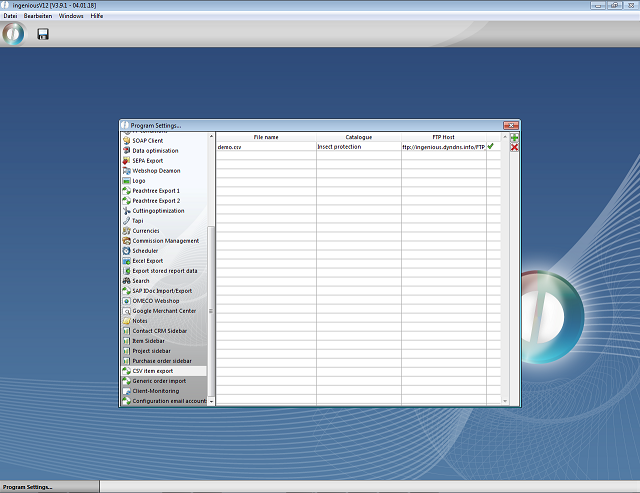
Generic item-export - Settings
Settings according to the FTP server and formatting has to be created for each article export file. The selection of the articles, which should to be exported, takes place via the supplier catalog. In addition, the item data, that should be exported, has to be selected. You can either enter a field value, a fixed value or a formula per column.
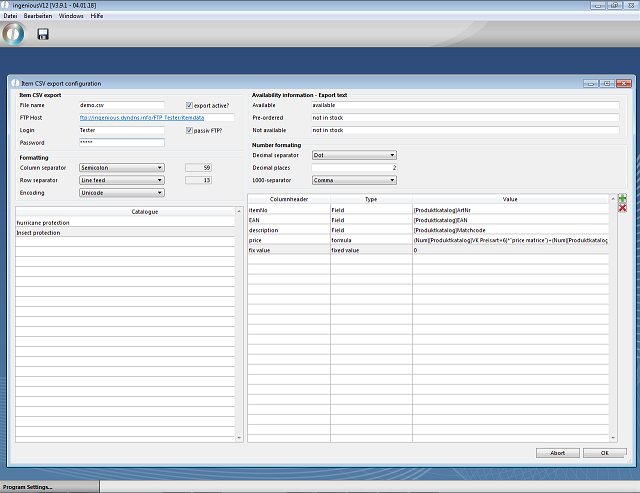
Generic item-export - Settings
The export of all active configurations is started with the API call ART_CSV_Export („COMPLETE“).